Is your Krups YY8135FD stuck in rinse mode, displaying a frozen screen or no longer responding? Resetting solves this problem in 9 out of 10 cases. Here’s how to do it in less than 10 minutes.

☕ Summarise this article with AI
The reset procedure (simple method)
Quick check before you start
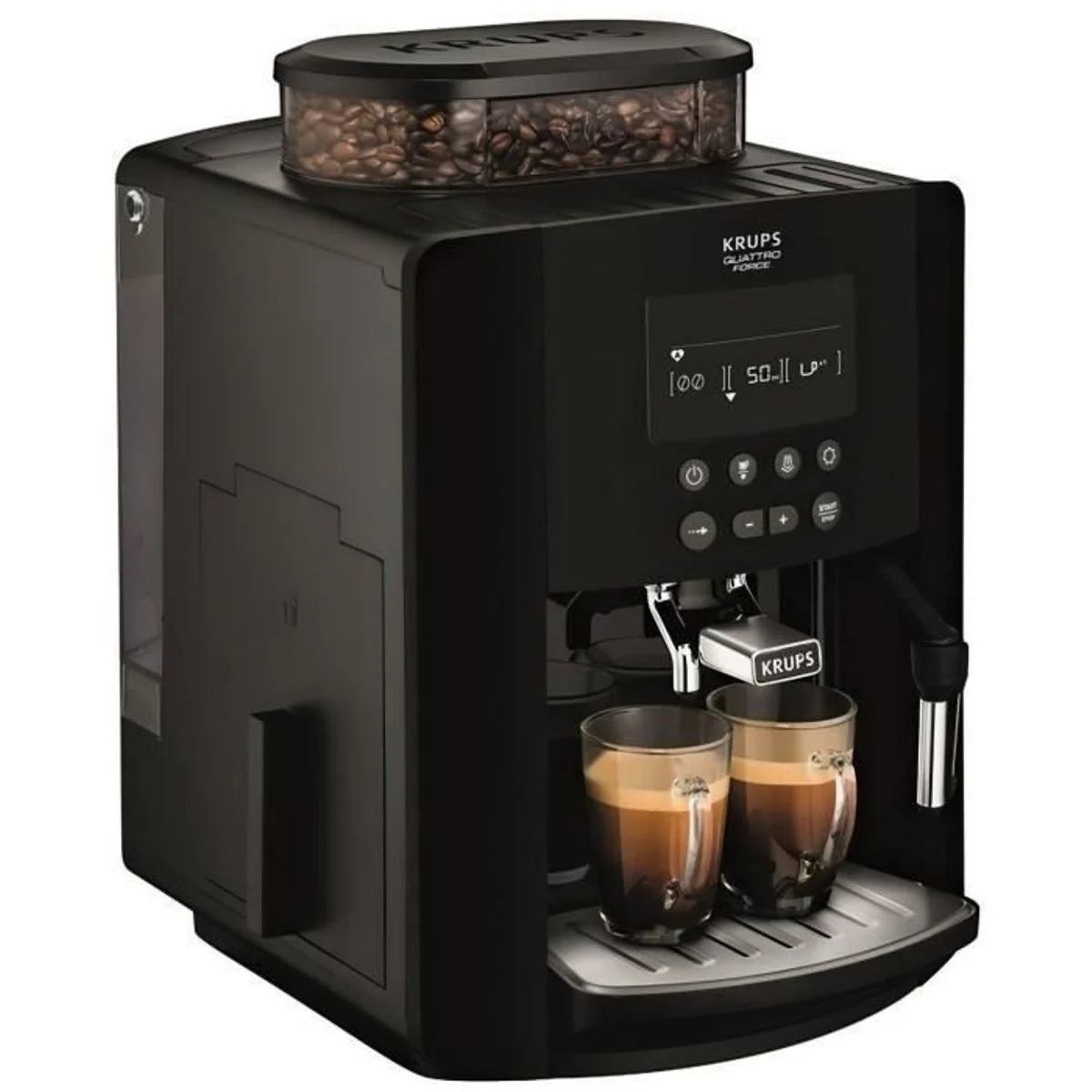
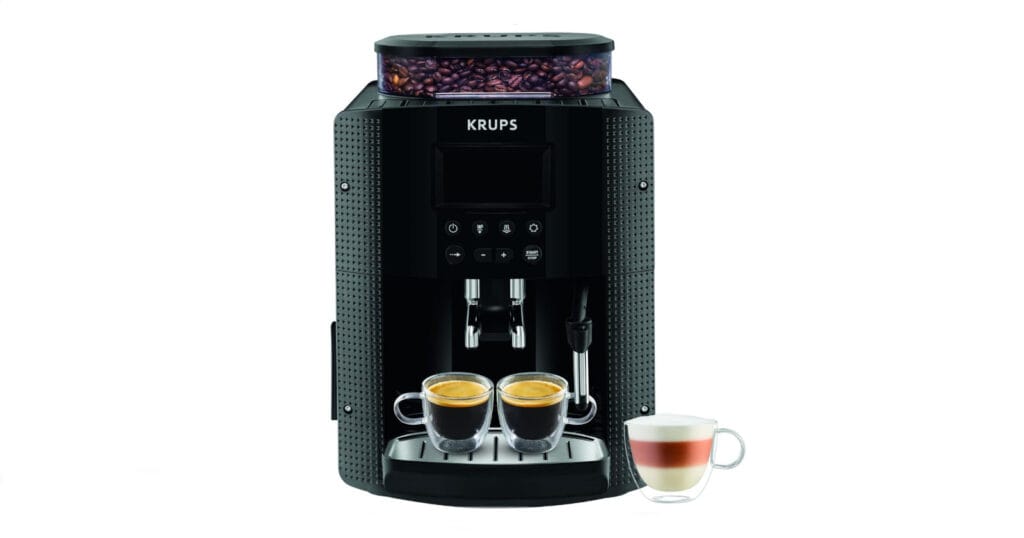
You have a Krups YY8135FD if you see :
- An LCD screen in the centre with 8 buttons underneath
- The reference YY8135FD or EA815 under the machine
- A steam nozzle on the right-hand side
6-step reset (simplest)
This method works if your LCD screen is still responding.
Step 1: Machine off
- Press Start/Stop to switch off
- Wait until all the lights have gone out
- Do not unplug
Step 2: Accessing the hidden menu
- Simultaneously hold down :
- The central button (navigation wheel)
- The hot water button (steam icon)
- While holding them, press Start/Stop
- Hold down the 3 buttons for 5 seconds
Step 3: Administrator menu The display shows “SERVICE MENU” or “ADMIN”.
Step 4: Selecting the reset
- Use the arrows to scroll down to “FACTORY RESET”.
- Press OK
Step 5: Confirmation
- Select “YES
- Press OK
- Wait 15-30 seconds (do not unplug!)
Step 6: Restart
- The machine restarts automatically
- Follow the instructions on the screen (language, water hardness)
- Start a test coffee
✅ Total time: 5-10 minutes
When should I use this reset?
Perform a reset if you encounter these problems:
Common problems solved by a reset :
- ❌ Machine blocked in rinse mode (no longer stops).
- ❌ Frozen screen with fixed image (electrical socket, tap)
- ❌ Lights flashing for no reason (water, coffee grounds, descaling).
- ❌ Coffee became very clear overnight
- ❌ Machine blocked after descaling or cleaning
- ❌ Buttons that no longer respond
Important note: Resetting deletes your personalised settings (favourite recipes, intensity). Take a photo of your settings first if you need to.
Alternative procedure if the screen does not respond
If your LCD screen is completely frozen or black, use this manual method.
Manual reset in 8 easy steps
Preparation (steps 1-3)
1. Unplug
- Switch off the machine
- Unplug the socket
- Wait 15 seconds
2. Empty
- Remove the water tank (empty it)
- Take out the grounds bin
- Remove the drip tray
3. Hold down the START button
- Locate the START button (bottom right below the screen)
- Press and hold
Reset (steps 4-6)
4. Reconnect, maintaining
- Hold down START
- Reconnect the plug
- All the lights come on
5. Wait for the light to go out
- Always keep START
- Wait for all the lights to go out (5-10 seconds)
- Release the button
6. Replace the components
- Refit the water tank (full)
- Replace the empty coffee grounds container
- Replace the drawer
Finishing (steps 7-8)
7. First rinse
- Place a container under the coffee spouts AND under the steam nozzle
- Press START
- The water flows, the piston makes 2 movements
- All the lights are flashing (this is normal)
8. Restart
- Unplug
- Wait 10 seconds
- Reconnect
- The piston rises automatically
- Start a test coffee
✅ Total time: 15 minutes
Solutions if the reset does not work
The screen remains frozen
Try in this order:
- Repeat the reset, waiting 30 seconds at the final disconnection stage.
- Clean the water tankcontacts with a dry cloth
- Unplug for 1 fullhour, then try again
If nothing changes → Contact Krups after-sales service
Lights stay on
Water tank indicator :
- Check that the tank is fully inserted (it should click)
- The inner float must move freely
- Clean the gold contacts at the back of the tank
Coffee grounds container indicator :
- Completely empty and dry bin
- No pomace stuck in the housing
- Press firmly to the bottom
CALC indicator (descaling) :
- Reset does not reset the descaling counter
- Run a full descaling procedure (Menu > Maintenance > Descaling)
- Use only official Krups descaler
The problem recurs regularly
If the reset works but the problem returns after a few days:
Common causes:
- Descaling → Urgent descaling required
- Worn piston seal → Replacement (~€15)
- Incorrect use → Never stop a cycle in progress
Tip: Always allow the machine to complete its automatic rinse before switching it off.
Maintenance to avoid future resets
Daily (2 min):
- Empty the grounds container
- Rinse the drip tray
- Wipe the spouts clean
Monthly (15 min):
- Krups XS3000 cleaning tablet
- Cleaning the tank with soapy water
- Cleaning the steam nozzle
Every 3-6 months:
- Complete descaling with Krups F054
- Frequency according to water hardness (use test strip)
Never do: ❌ Stop a cycle in progress (rinsing, descaling, cleaning) ❌ Set the machine disposer on ❌ Use white vinegar to descale ❌ Leave water stagnating in the tank
Frequently asked questions
Does the reset delete my settings? Yes. Resetting restores all the factory settings: favourite recipes, intensity, temperature. Take a photo of your settings first.
Do I need to reset the machine after descaling? No, unless the machine remains blocked after descaling. A reset is only necessary in the event of a problem.
Can I reset several times? Yes, but no more than once a week. If you have to reset often, there is a deeper problem (scaling, faulty part).
What’s the difference between resetting and descaling?
- Reset = Electronic reset (for bug/lock)
- Descaling = Chemical limescale removal (maintenance required every 3-6 months)
When to contact Krups after-sales service
Call the After-Sales Service if :
- Reset fails after 3 attempts
- Persistent abnormal noises (squeaking, rattling)
- Major water leaks
- Burning smell
- Machine no longer heats up at all
Krups after-sales service contact: 09 74 50 10 61 (Mon-Fri 9am-6pm)
Please have ready: model (YY8135FD), serial number (on the underside of the machine), date of purchase and description of the problem.
Out-of-warranty repair costs:
- Electronic card: €80-120
- Piston seal: €15-30
- Shredder: €100-150
If your machine is over 4 years old and repairs cost more than €150, a replacement may be cheaper (new YY8135FD: ~€250-300).
In a nutshell
✅ 2 reset methods: LCD menu (5 min) or manual (15 min) ✅ Success rate: 90% of problems solved ✅ Prevention: Regular maintenance = fewer resets ✅ Never: Stop a cycle in progress
The bottom line: A reset should be a one-off. On a well-maintained machine, you should hardly ever need one.