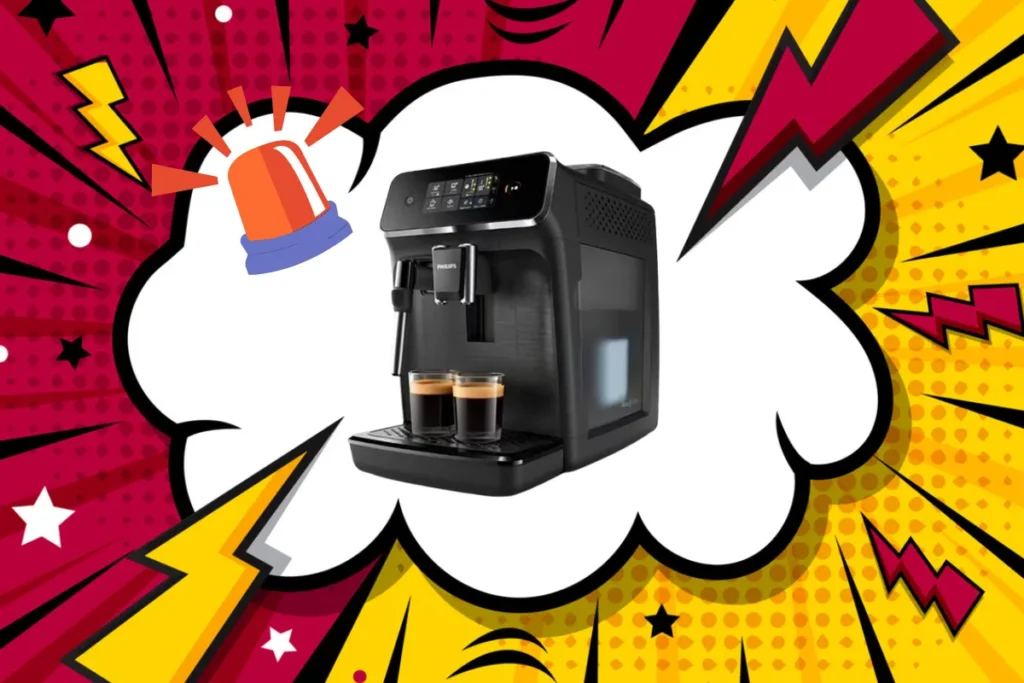
Philips 2200 Series coffee machines (EP2200/EP2220) are reliable, but like all bean-to-cup machines, they have recurring problems. In 3 years of regular maintenance on this model, I’ve identified the most frequent faults and the progressive solutions for resolving them without going immediately to the after-sales service.
This guide shows you how to diagnose your exact problem, what you can fix yourself in 10 minutes, and when you really need to contact Philips.

☕ Summarise this article with AI
The main problems and their diagnosis
Problem 1: the coffee doesn’t flow (or flows very slowly)
This is the number one problem with the Philips 2200. The coffee drips out, or not at all, even though the grinder has been running normally.
Progressive diagnosis :
Step 1: Check the grind setting first. If you’ve just changed beans or the machine is making strange noises, the grind setting may be too fine. Adjust the setting to a higher (coarser) number. Make 2-3 coffees to see the difference.
Step 2: If this doesn’t improve anything, test without the AquaClean water filter. Remove the filter from the tank and simply put the water back in. Make a coffee. If the coffee flows normally, your filter is worn out and should be replaced every 3 months or so.
Step 3: Descaling. The internal pipes become calcified with hard water. Run a full descaling cycle (Philips recommends quarterly). Use white vinegar or a Philips descaler. If you’ve never descaled your machine, this is 90% of the time the cause.
Step 4: Cleaning the brewing unit. This is where coffee residue accumulates and blocks the flow. Remove the coffee group (after switching off the machine) and rinse it under running water with a soft brush. Insist on the small grid filter at the top of the group (the one with the micro-holes). If hard water has accumulated here, soak it in white vinegar for 15-20 minutes.
Step 5: Pierce the coffee spout. It sounds funny, but coffee residue sometimes remains in the small drain hole at the bottom of the percolator unit. Using a fine needle (sewing needle), carefully pierce the hole to remove any residue.
If this still hasn’t solved the problem: The O-ring on the coffee group may be worn. This is the next most common cause. See “Repairing seals” below.
Problem 2: water flows directly into the drip tray (no coffee)
The water flows normally but the coffee does not come out at all, or all the water ends up in the drip tray.
Diagnosis :
This is usually due to a worn or incorrectly inserted seal. The coffee group is no longer watertight, so the pressure cannot build up. Checks:
- Switch off the machine and remove the coffee unit completely
- Check that the O-ring (the large black/orange rubber ring) is in place and undamaged.
- Re-insert the assembly by pressing firmly until you feel a “click”.
- If it is not firmly engaged, the machine detects an anomaly and activates the safety device.
Solution often overlooked: After cleaning the coffee group, some users refit it incorrectly. The group must be inserted at the correct angle and pushed firmly upwards. Try switching on the machine without the coffee group first (you’ll get a warning). Then switch it off, insert the group and switch it on again. Let the machine “self-adjust” by making 5 empty cups.
If the gasket is visibly damaged (cracked, hardened), you should replace it. Gasket kit: approx. 15-25 euros.
Problem 3: all 3 lights flash (all lights red)
This is the “error mode” alert. The 3 lights above the buttons flash: water, coffee grounds and cleaning/decalcifying.
What it means:
The machine detects an anomaly and goes into safety mode. Possible causes :
- After cleaning the coffee group: The group is not properly reinserted. Quick answer: switch off the machine, wait 20 seconds, reinsert the group firmly, switch on again.
- Temporary overheating: The machine has overheated during 2-3 rapid cycles. Switch it off completely, wait 30 minutes to cool down, then switch it on again.
- AquaClean filter incorrectly installed: If you’ve changed the filter recently, it may not be properly saturated. Fill the filter with water and place it in the tank correctly (the direction counts).
- Foreign body detected: A coffee bean or debris has got stuck somewhere. Check the coffee funnel (where the beans fall). Use the handle of a spoon to check that there’s nothing there.
Chronic series of 3 lights: If this happens again and again, even after cleaning/waiting, it’s more serious. An electronic board or sensor may be faulty. Contact Philips after-sales service.
Problem 4: water leaks under the machine
The water runs under the boot, not just into the drip tray.
Diagnosis :
It’s almost always a worn joint or fitting. Location of the problem :
- Leak at the water tank connection: Dismantle the tank. Apply a little silicone food grease to the gasket at the base of the tank. Re-insert it.
- Leak in the coffee group: There are 6 small seals (orange/red) around the water injector behind the percolator group. They wear out over time. You need to replace them. You can buy them as a complete kit (20-30 euros).
- Leak under the machine: Remove the rear panel (2 screws). Locate the leaking hose. It is often a silicone hose that has cracked. Check the clamps (small metal rings that tighten the hoses). A loose clamp can be enough to cause a major leak.
Quick action: If you just see a loose clamp, tighten it with pliers. If it’s a cracked hose, replace it (12-18 euros).
Problem 5: the milk (cappuccino/lattè) stops flowing
The coffee comes out normally, but not a drop of milk from the frother.
Diagnosis :
The milk circuit is separate from the coffee circuit. The problem is usually the milk spout, which is blocked or incorrectly inserted.
- Dismantle the milk jug completely. Rinse each element with hot water
- The milk nozzle often has dried limescale. Soak it for 15 minutes in hot white vinegar.
- Reinserts each element correctly in order (the decanter recognises its position)
- If the cappuccino light is flashing, the machine is not detecting the carafe. You may have forgotten a part
Problem 6: the shredder stops turning (or makes a strange noise)
The shredder motor does not turn, or makes a very loud/different grinding noise.
Diagnosis :
- Trapped beans: Beans can get stuck in the grinder. Switch off the machine, hollow out the bean container and tap lightly on the container to release the stuck beans.
- Bean bin not inserted correctly : The tray sensor should detect that the tray is in place. Remove and reinsert the tray completely.
- Grinder wear after intensive use: If you’ve been using the machine 4-5 times a day for 2+ years, the grinding wheels in the grinder may be worn. This creates a different noise and the grind is less homogeneous. Replacement required (60-80 euros).
Replacement parts: cost and where to buy them
Here’s what you can do yourself without risk:
- O-ring kit: 15-25 euros, from Amazon or appliance suppliers
- AquaClean filter: €18-25, required every 3 months
- Replacement hoses: 12-18 euros
- Clamps: 5-8 euros (set)
- Milk spout: 8-12 euros
- Complete shredder: 60-85 euros, more technically difficult
To order, search for “Philips 2200 spare parts” or fournitures-electromenager.fr, or Amazon. Ask for the exact model (EP2200 or EP2220) for correct compatibility.
When should I call Philips after-sales service?
If you have tried diagnostic steps 1-5 and nothing changes, it’s time to contact Philips:
- Persistent electronic problems: The 3 lights come back for no reason despite cleaning/resetting
- Shredder won’t turn: After emptying the bin and reinserting it completely
- Major internal leak : Water flows even without starting a coffee
- Electronic board failure: The machine won’t switch on at all
Average after-sales service cost: €80-150 for a diagnosis + simple repair. This is free during the 2-year warranty period. After that, there’s a charge.
Tip: Contact Philips with the serial number (on the underside of the machine). Repairs cost less in shop (Darty, Carrefour) than direct from Philips in some cases.
Preventive maintenance: avoids these problems
Do this regularly to make your machine last longer:
- Descaling: Every 3 months or when the machine indicates (300-400 mL of water)
- Cleaning the coffee unit: Once a week. Remove and rinse under running water
- Replacing the AquaClean filter: Every 3 months (or every 200 litres of water)
- Caring for your milk jug: Wash after each use. Soak weekly for 15 minutes in vinegar
- Grain storage: In an airtight container in a cool place. Rancid grains damage the grinder.
Honest opinion on the reliability of the Philips 2200
Assessment after 3 years: It’s a solid machine, but it requires maintenance. Compared to a DeLonghi (which breaks down more often), the Philips 2200 is better. Compared to a Jura (very expensive but very reliable), it’s a good compromise between quality and price.
Major problems usually occur after 2-3 years if you neglect it. But with regular maintenance, I know people who keep it for 5-7 years without any serious problems.
The real plus: it’s accessible, you don’t need a technician for 80% of repairs. And parts are inexpensive.
Summary of the troubleshooting guide
- Coffee does not flow → Descale test, then coffee group, then seals
- 3 red lights → Reinsert coffee group + wait 30 min
- Water leak → Check fittings and seals
- Milk doesn’t run → Cleans the milk jug
- Grinder does not turn → Check bean container and sensor
Try troubleshooting in this order. 90% of problems can be solved by cleaning + descaling + correctly reinserting the coffee group.
Good luck!